Eventication helps festival teams manage crew, artists, access and equipment within one event. The modules connect preparation to registrations, check-ins and equipment loans on site.
Work that continues across the festival season
September. Review the edition with your team. Keep the records and observations that will help you prepare the next one.
January. Agree the roles, access zones and workflows your teams will need for the coming edition.
April. Collect registrations and availability, prepare the lineup and review requests from suppliers and other groups.
Before the event Confirm schedules, follow up on missing details and prepare the people handling arrivals and equipment.
During the event Use the event records at gates, crew desks and stock desks. Keep changes available to the colleagues who need them.
Eventication supports these tasks through the same shared event.
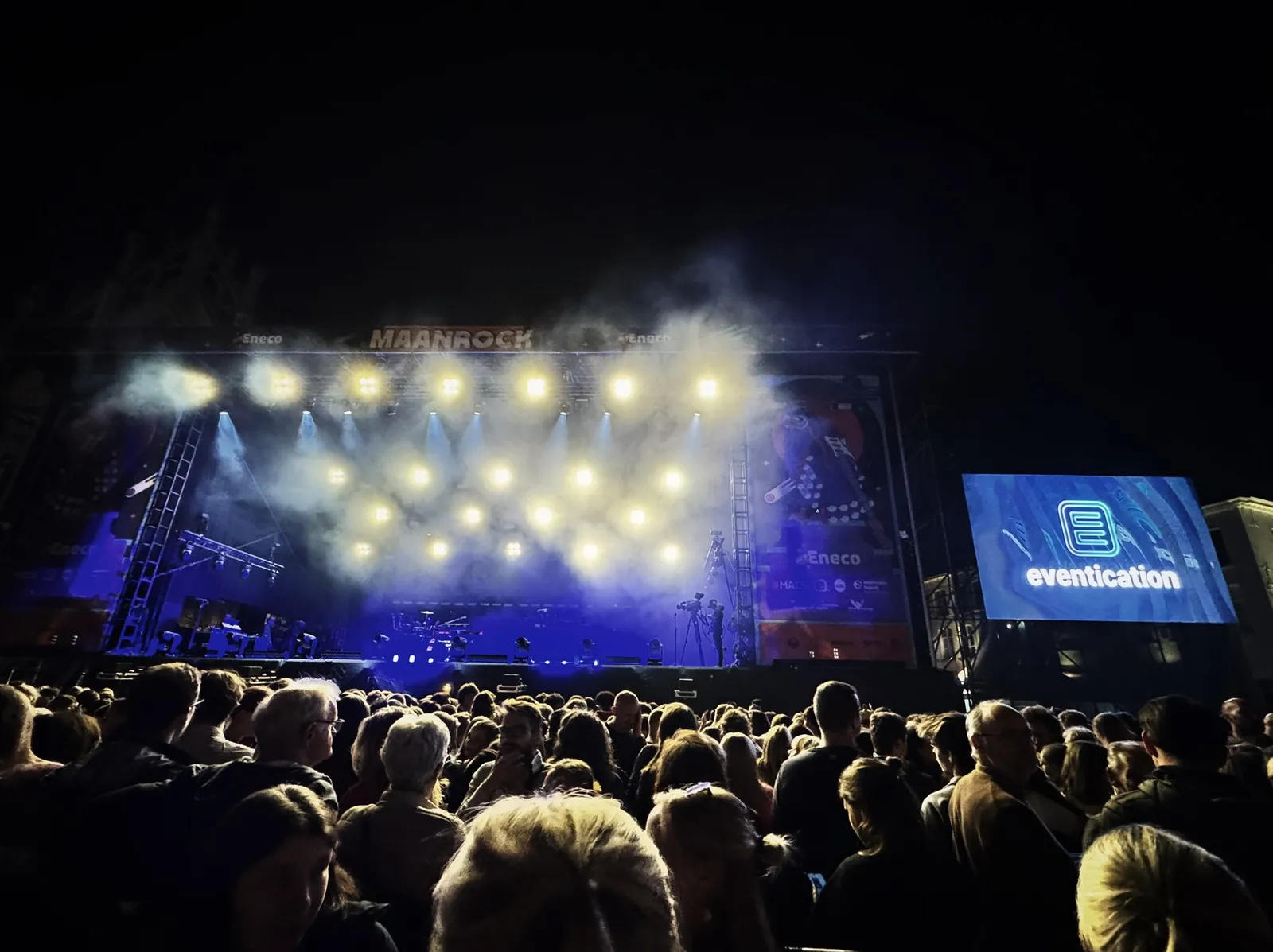
Maanrock stage at night
Build on the way your team already works
You know your event and the people who make it happen. A useful tool needs to fit their responsibilities and the information they share.
We start by talking through one workflow, such as crew registration or accreditation, and the steps involved.
Choose where shared information would help
Look at the points where one team hands work to another: booking to production, registration to planning, or approval to a gate check.
Those handovers are a useful place to see whether Eventication fits your event.
Working with your existing setup
Bring the forms, schedules and lists your team uses today.
We can compare the workflow and discuss which parts to bring into Eventication.
Making time for a change
Choose a setup period that gives your team time to prepare.
We can agree training and support around the workflows you choose.
Fitting your festival
Your stages, teams and access arrangements shape the setup.
Choose the modules you need and configure the event around them.
Preparing for event day
Include the gate, crew and stock teams in the preparation.
Walk through the records and equipment they will use before the event opens.
Developed through our own work at events
Eventication began as a tool for preparing a festival. Working with crew, accreditation and equipment teams has shaped its development.
The platform has grown as organisers have brought us more of the practical tasks they need to coordinate.
We keep those tasks at the centre of the product and the support we provide.
Our work with festival and city teams continues to inform the platform. The examples below show the people and workflows it is being built around.
How your festival teams can use Eventication
Crew management
Your team needs
Collect availability and prepare a schedule with your crew coordinators.
With Eventication
Crew register and share availability or shift preferences. Coordinators review coverage and can ask people to confirm their schedule.
I already have a system that works. Why would I switch?
Start with a specific task you want to improve, such as sharing crew availability or preparing access lists. We can walk through that workflow and help you assess whether the platform fits.
How long does it take to get started?
The timing depends on the modules, event setup and training you need. We agree that with you before getting started.
Does this work for smaller festivals too?
You can start with the modules relevant to your event. Tell us about your crew, access and equipment needs so we can discuss an appropriate setup.
Can I copy my event from one year to the next?
You can prepare a new event from an existing one. We can show you what carries over and what needs reviewing for the new dates and edition.
How can we review data protection?
Our privacy and security page is a starting point. Contact us with your requirements so we can discuss permissions, personal data and the information your team needs for its review.
What if my team is not tech-savvy?
We can plan training around the tasks each team will perform, including registration, check-in and equipment handling. Bring your team’s questions to the demo.