Eventication helps municipal event teams coordinate crew, access and equipment. Permissions give colleagues access to relevant records, while exports help teams review the work recorded during an event.
Preparation across departments and event stages
October. Review the edition with the colleagues involved and agree what to carry into the next event.
December. Plan the modules, support and equipment you need within your organisation’s budget and approval process.
February. Agree which departments will manage registrations, schedules, access and equipment.
April. Collect the information those teams need and give colleagues appropriate access to it.
Before the event Review schedules and access lists with the people working at gates, crew desks and stock desks.
After the event Use recorded attendance and equipment loans to support your team’s review and follow-up.
A shared event keeps this work available to the colleagues responsible for it.
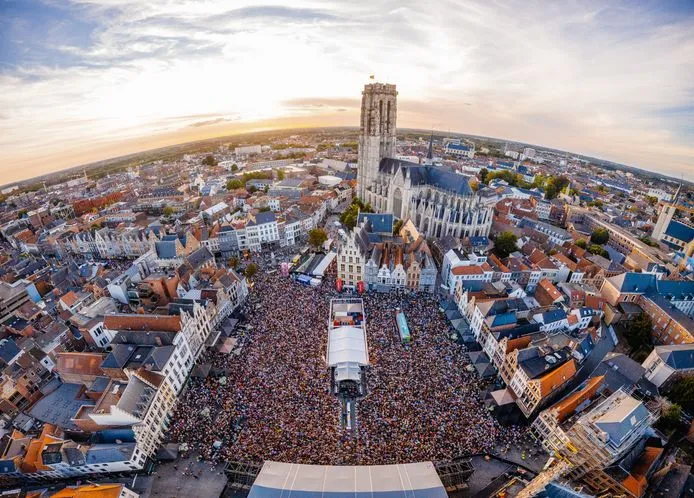
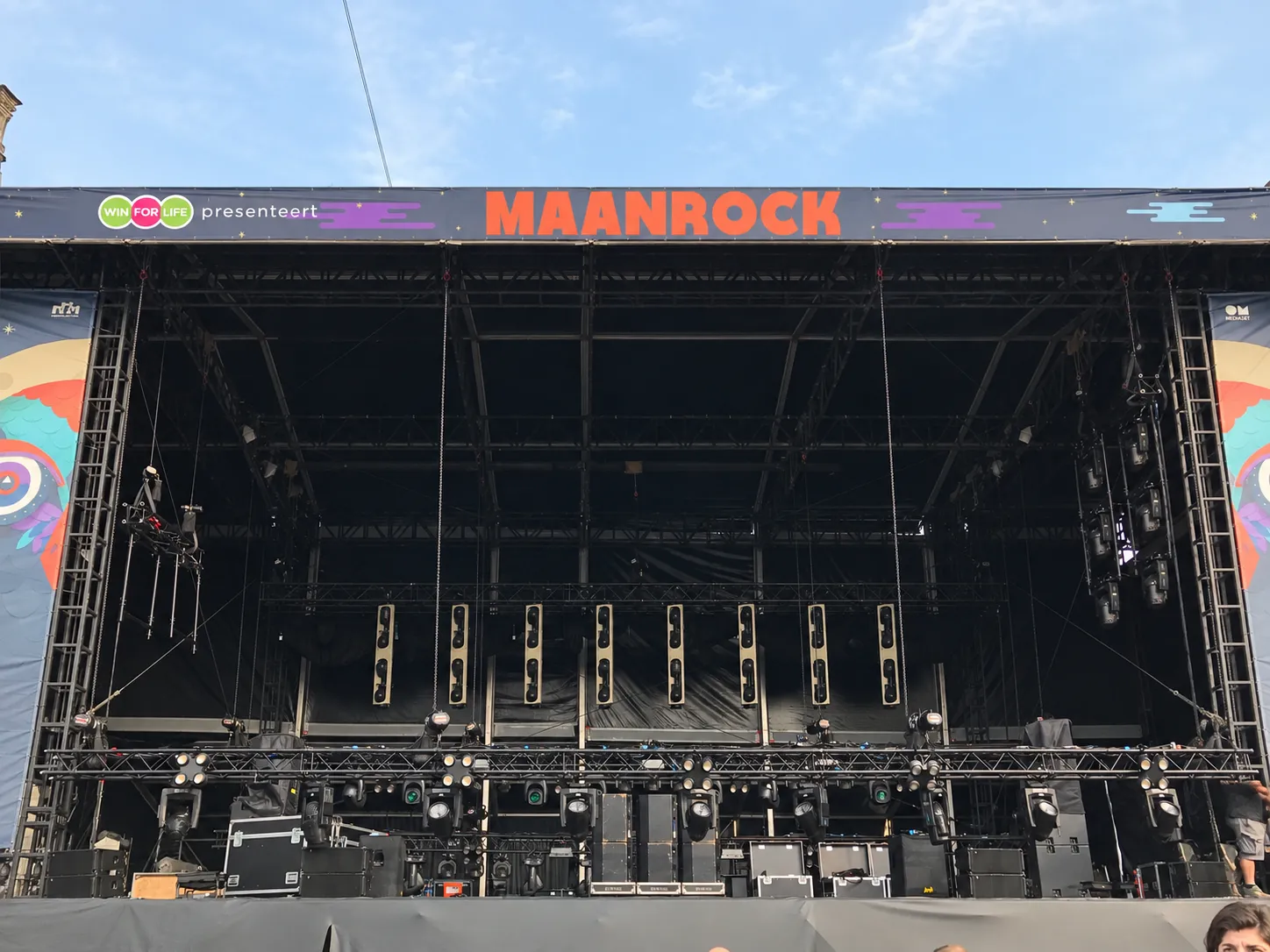
Preparing the Maanrock stage
Fit the setup to your organisation
A new tool needs to work with your departments, approval process and data requirements. Those are part of planning the setup.
Bring the colleagues who will use the platform and the people reviewing it into the conversation.
We can help explain the workflows and discuss what information each team needs.
Reviewing a new tool
Tell us which technical, commercial and data questions your organisation needs answered.
We can work through those questions with your team before agreeing a setup.
Working across departments
Identify who will manage each part of the event and what records they need.
Use moderator permissions to give colleagues access to relevant work.
Building on existing processes
Start with a workflow your team wants to bring together.
We can show you how the forms, approvals and on-site records would connect.
Reviewing personal data
Involve your data protection colleagues when deciding what information to collect and who can see it.
We can discuss permissions and your requirements. A person filling in their own details does not remove your organisation’s responsibilities.
Shared event information for the teams involved
Accreditation and access
Your team needs
A way to collect applications and prepare access decisions for the gate team.
With Eventication
Create lists and forms, review requests and check assigned access on site. Attendance reflects the check-ins your team records.
Share your procurement requirements with us. We can discuss the proposed scope, commercial terms and information your organisation needs to assess the platform.
How does Eventication handle GDPR compliance?
Contact us with your data protection requirements so we can review the relevant information with your team. Moderator permissions control access to lists and private data; self-service registration does not transfer your organisation’s responsibilities.
What if not all departments want to use it?
Start with the teams and modules included in your agreed setup. Plan permissions and training for other departments when they are ready to join.
Can I copy my event from one year to the next?
You can prepare a new event from an existing setup. We can show you what carries over and what needs reviewing for the new edition.
Is it possible to run a pilot before committing?
We can discuss whether a limited initial setup would fit your event and assessment process. The scope and terms should be agreed before starting.
What happens if the person managing Eventication changes roles?
The event records remain in the platform. An authorised colleague can receive the permissions needed to take over, alongside a handover of your team’s processes and outstanding work.